NovaHolo
Kebidumei Phone Camera Shoot Hand Grip Magnetic Smart Phone Holder Shooting Aid Remote Control Handle For Iphone Android Phone
Kebidumei Phone Camera Shoot Hand Grip Magnetic Smart Phone Holder Shooting Aid Remote Control Handle For Iphone Android Phone
Normaler Preis
112.99 ILS
Normaler Preis
168.99 ILS
Verkaufspreis
112.99 ILS
Inkl. Steuern.
Versand wird beim Checkout berechnet
Anzahl
Verfügbarkeit für Abholungen konnte nicht geladen werden
Description
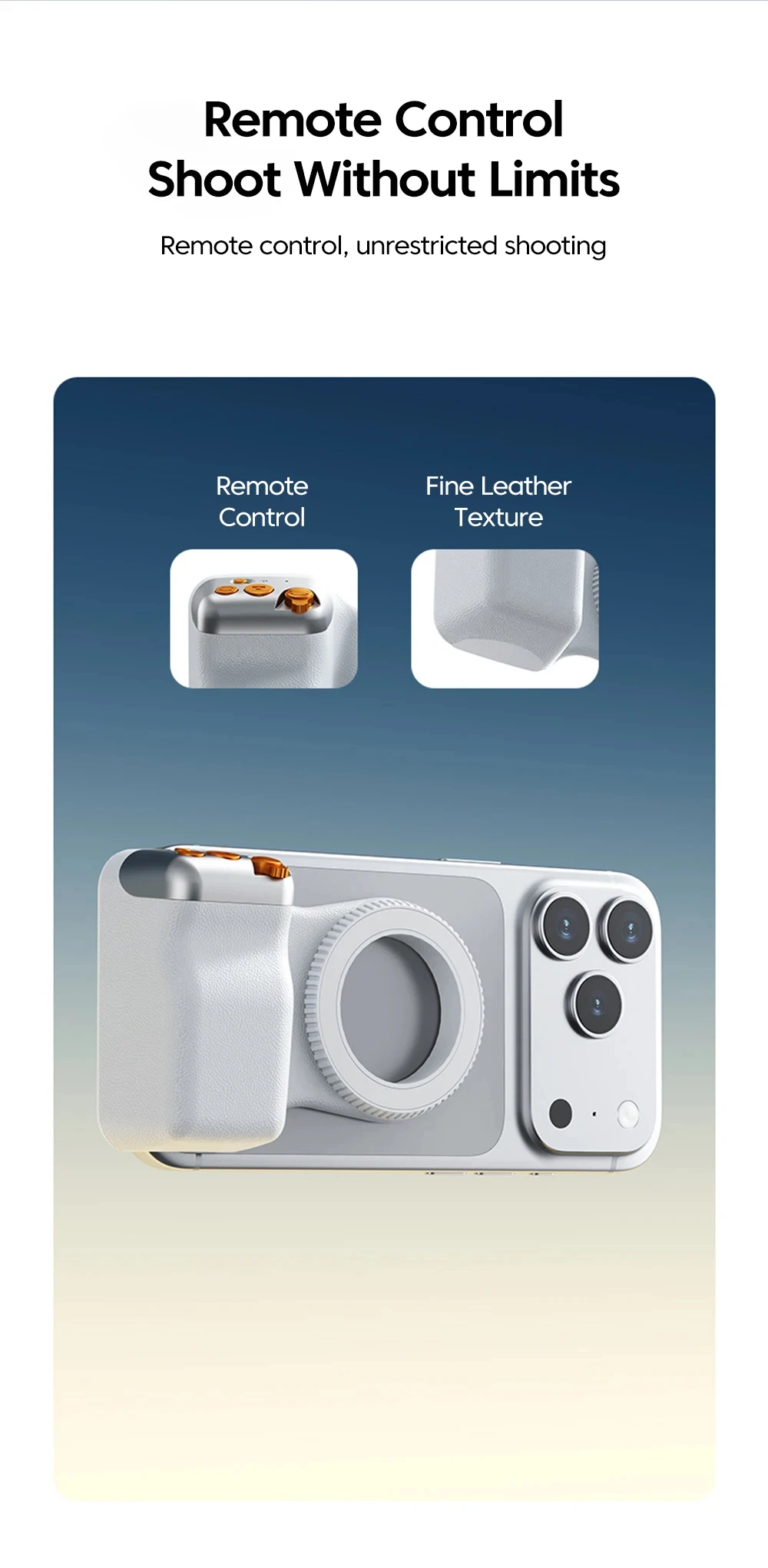
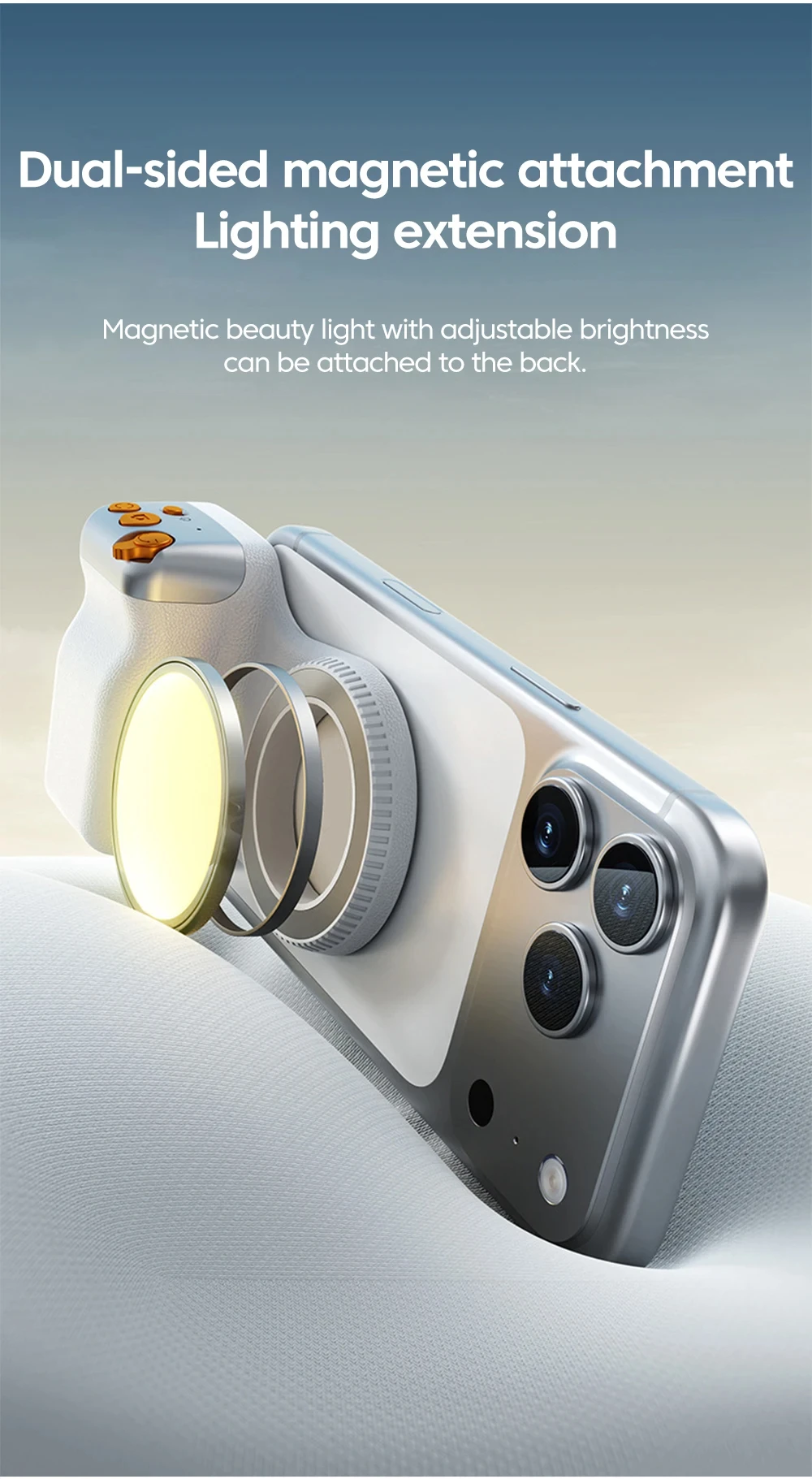
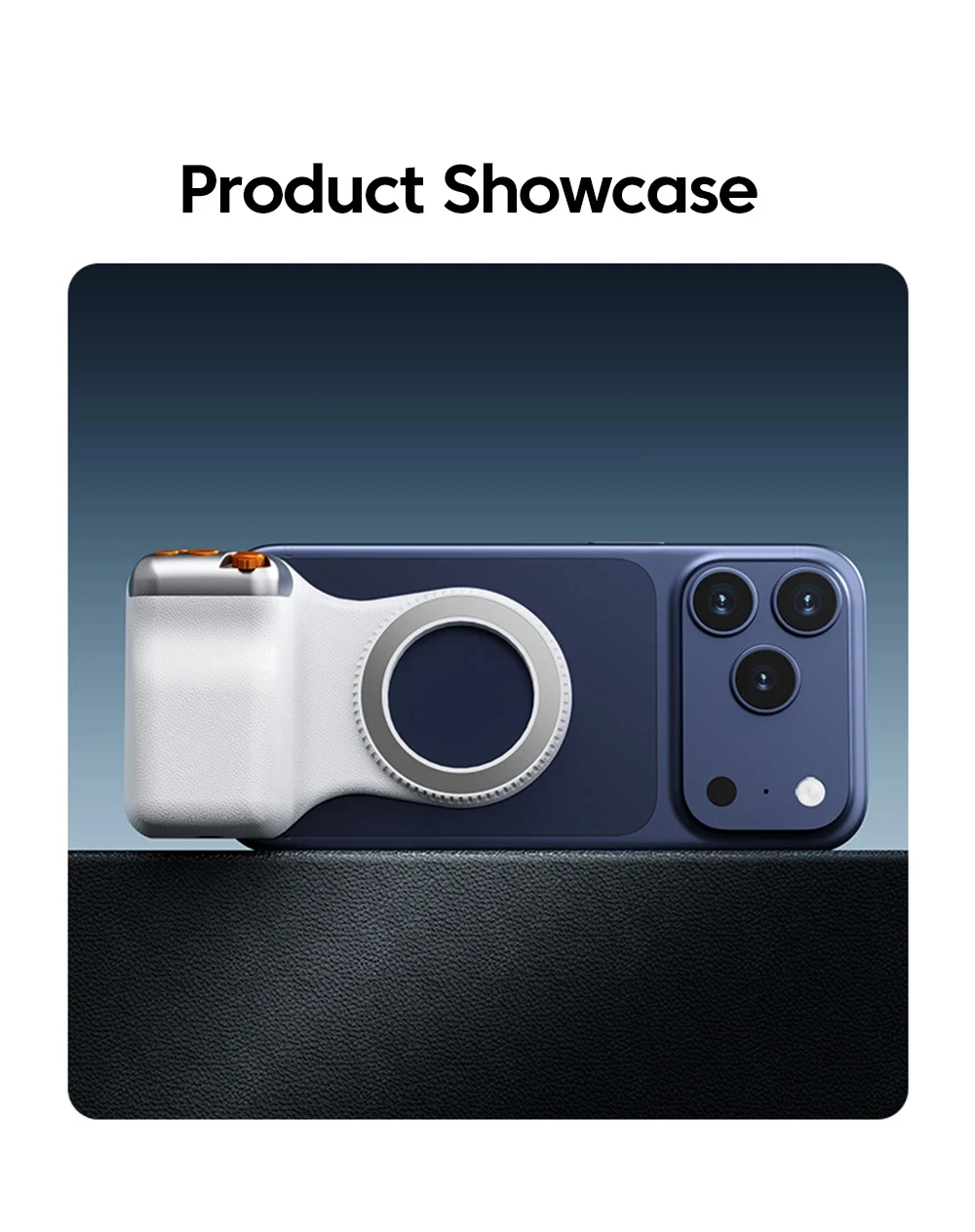
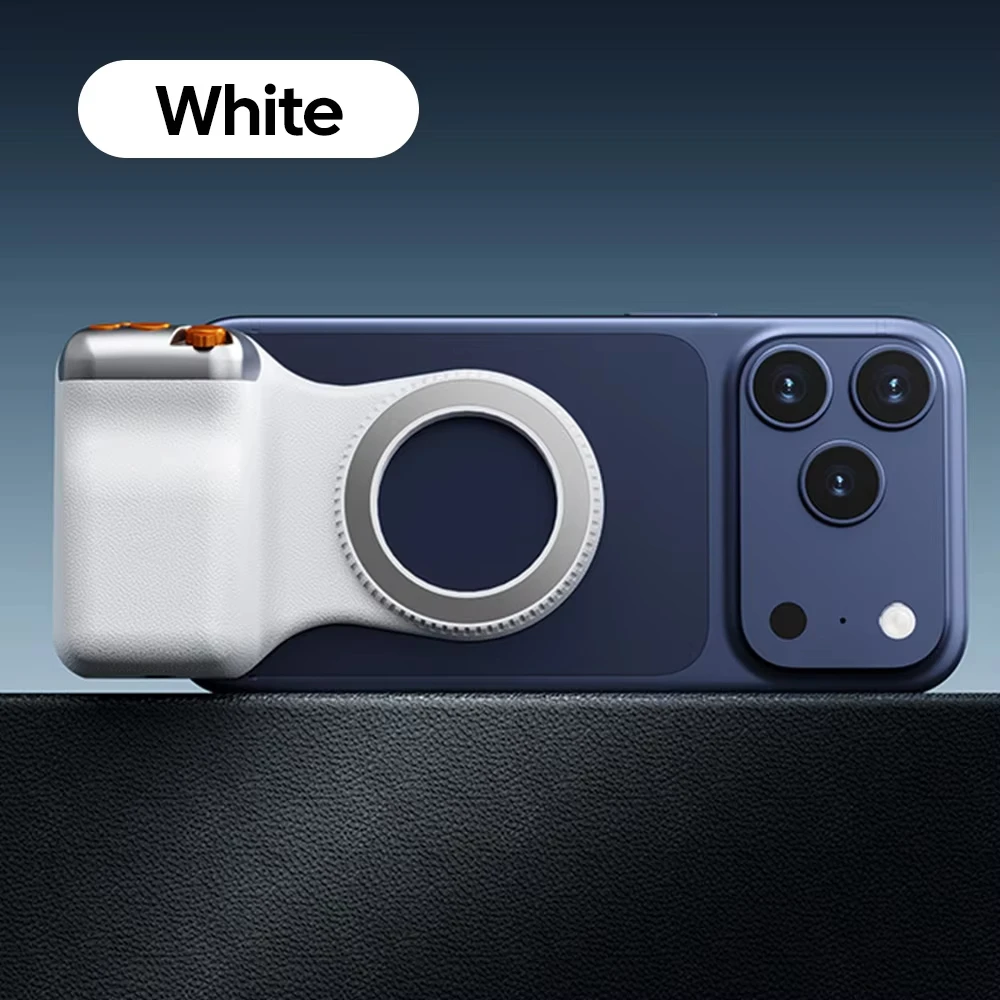
Magnetic Design
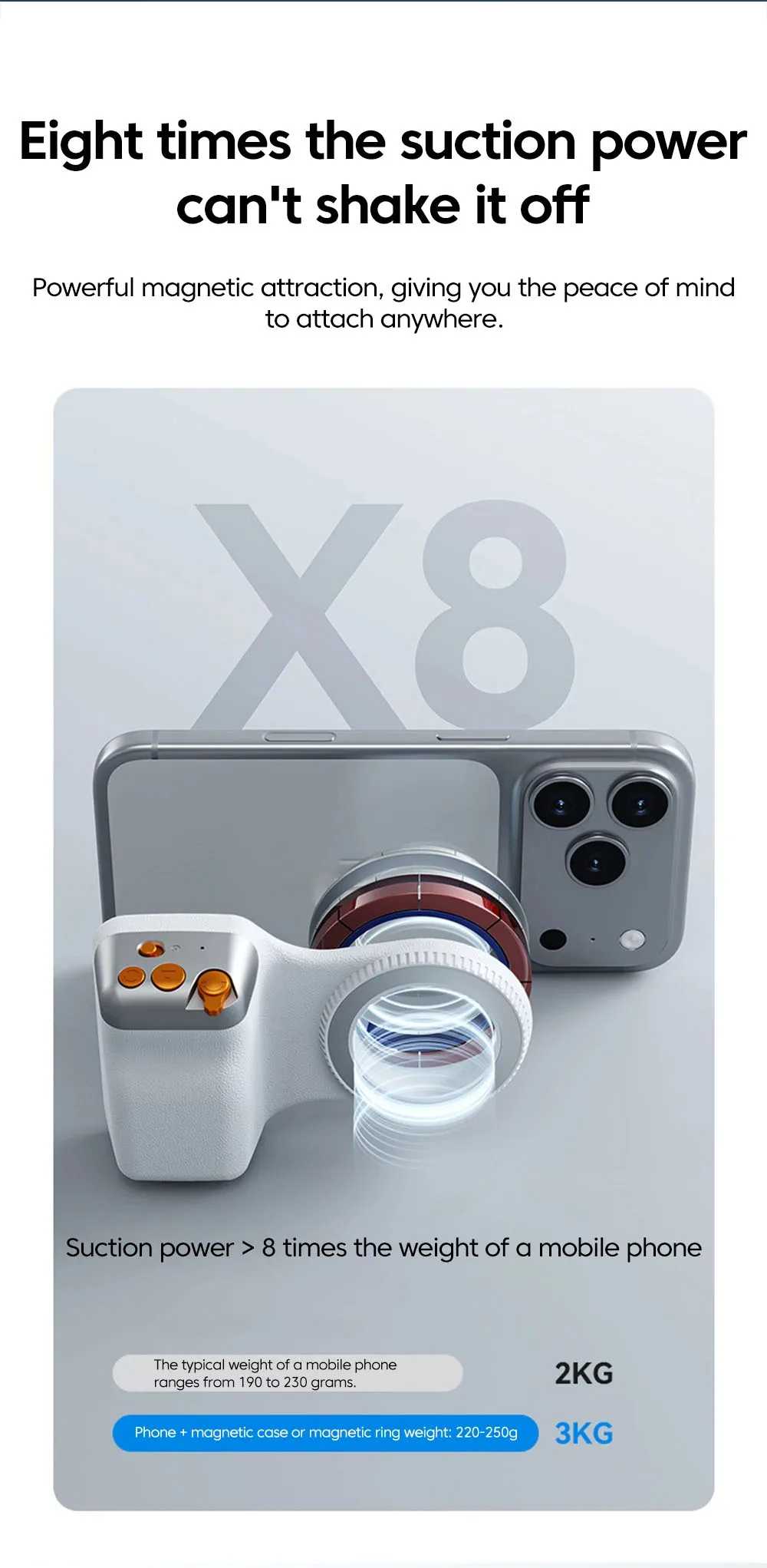
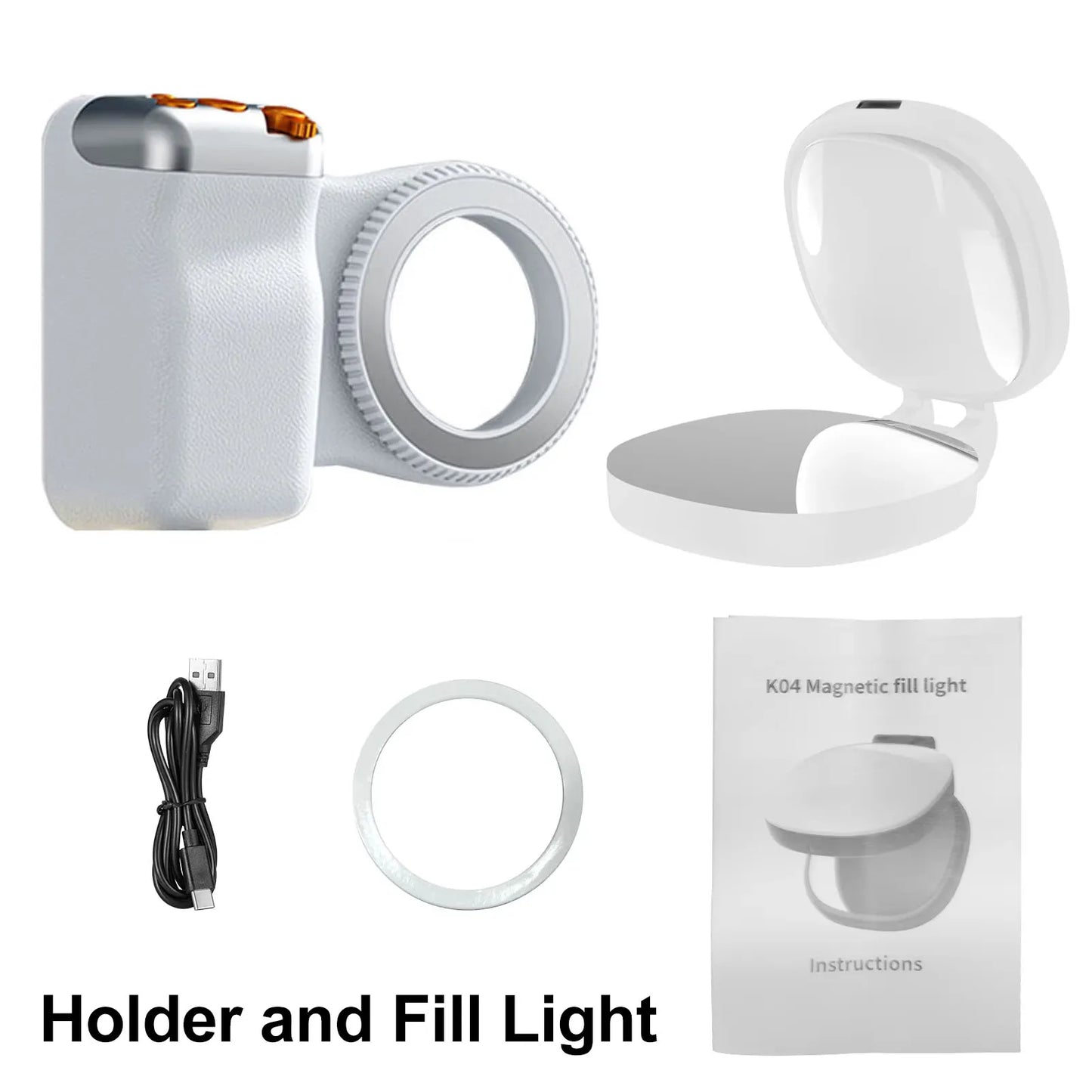
The magnetic design of this holder provides a strong and secure grip, keeping your phone in place without the need for additional clamps or straps.
Ergonomic Grip Handle
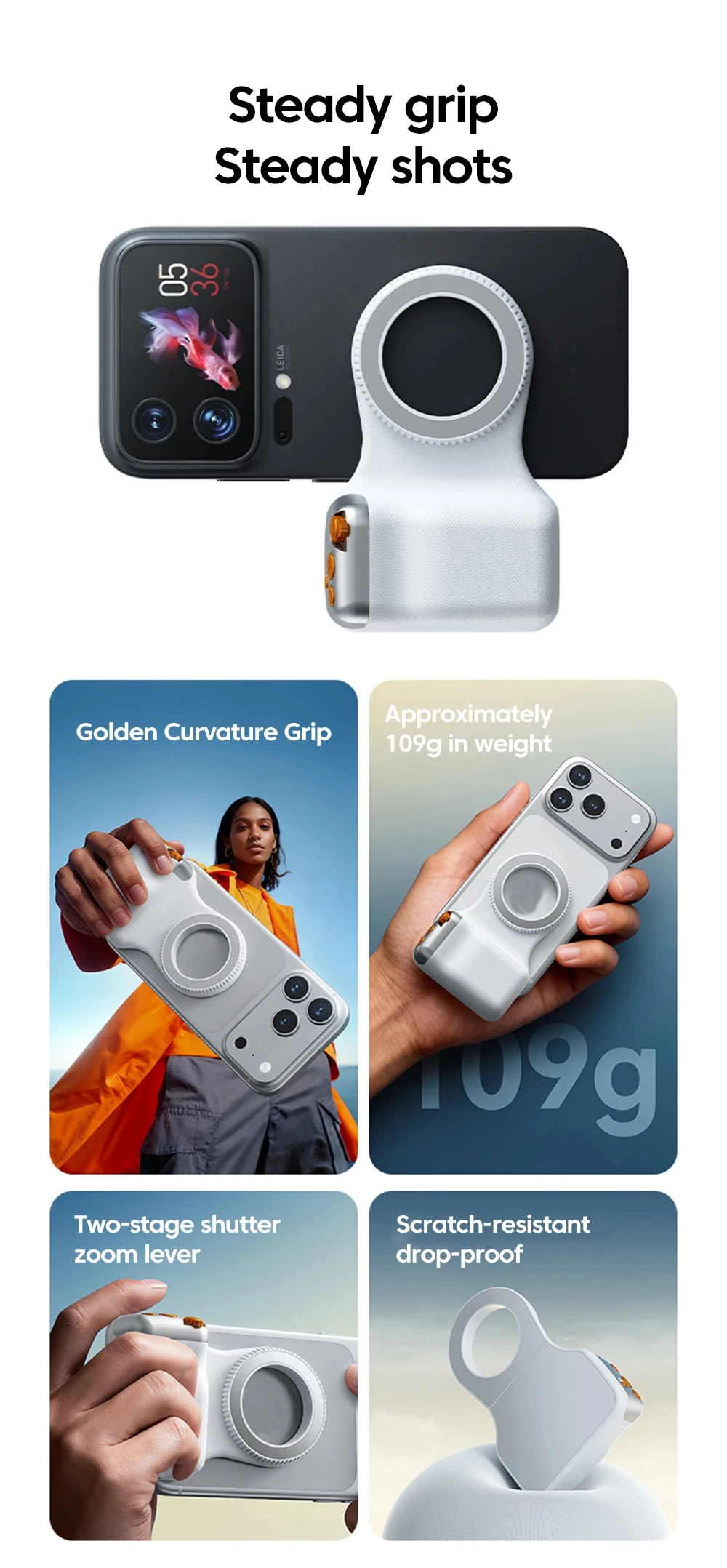
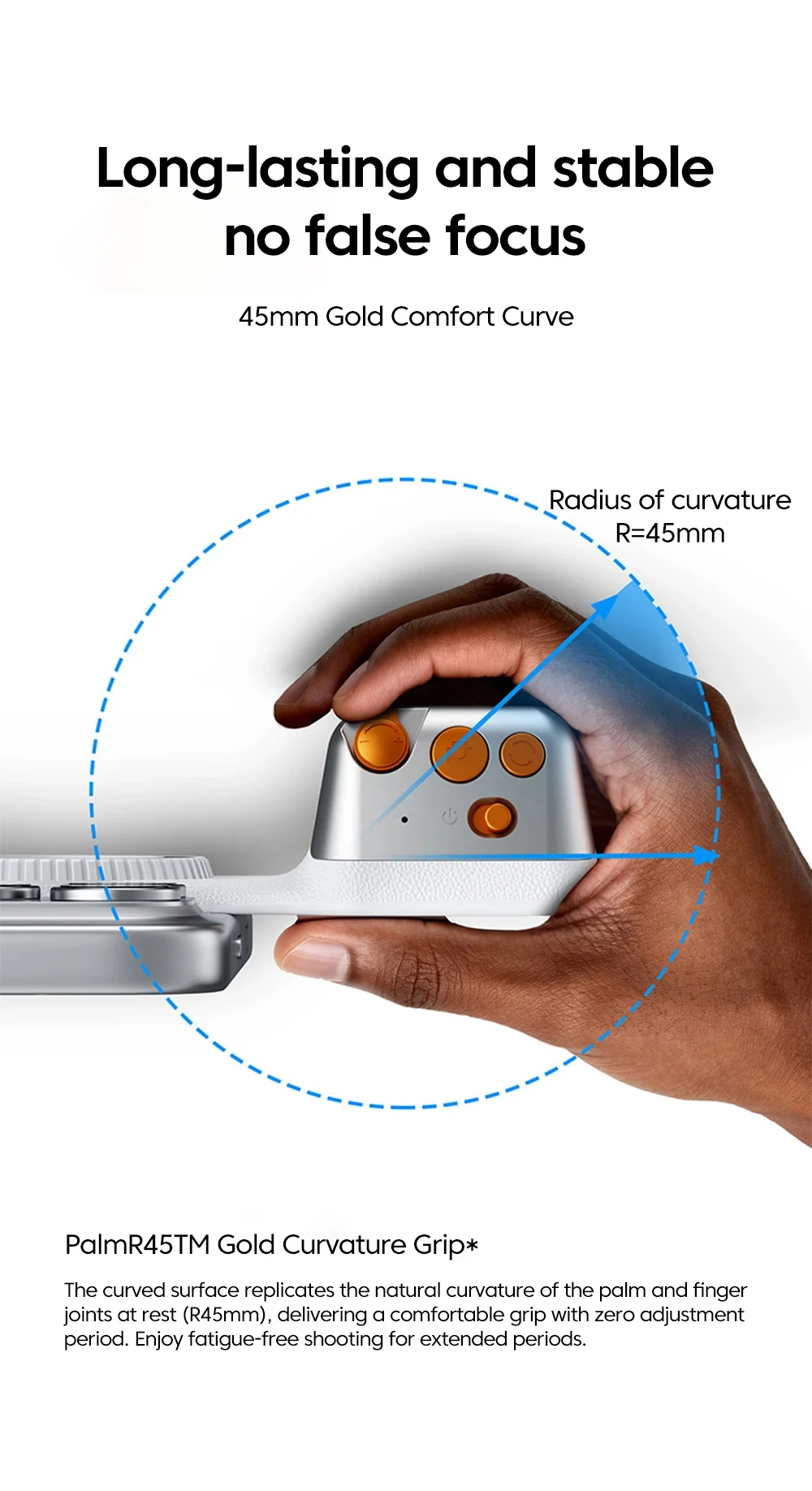
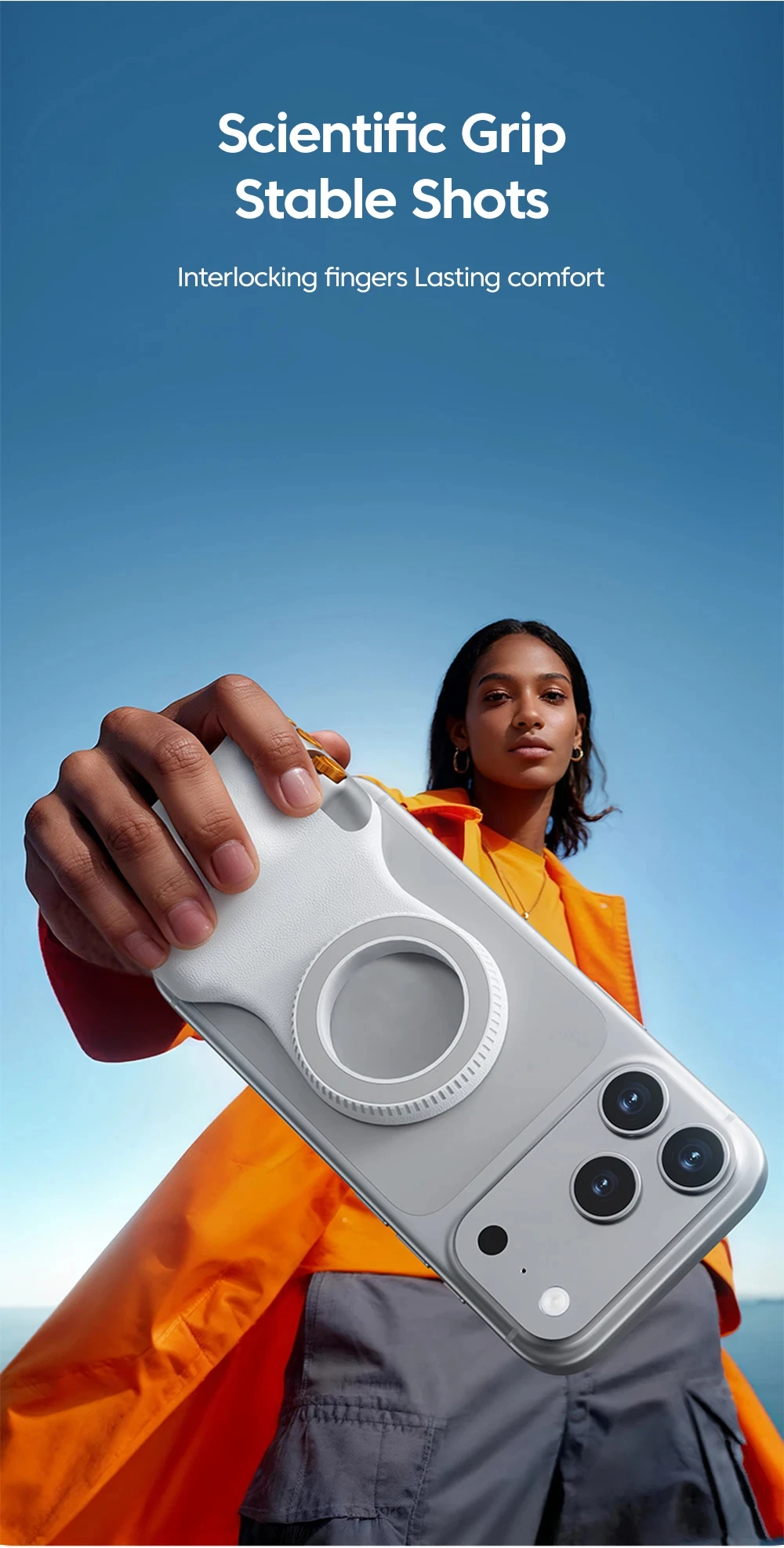
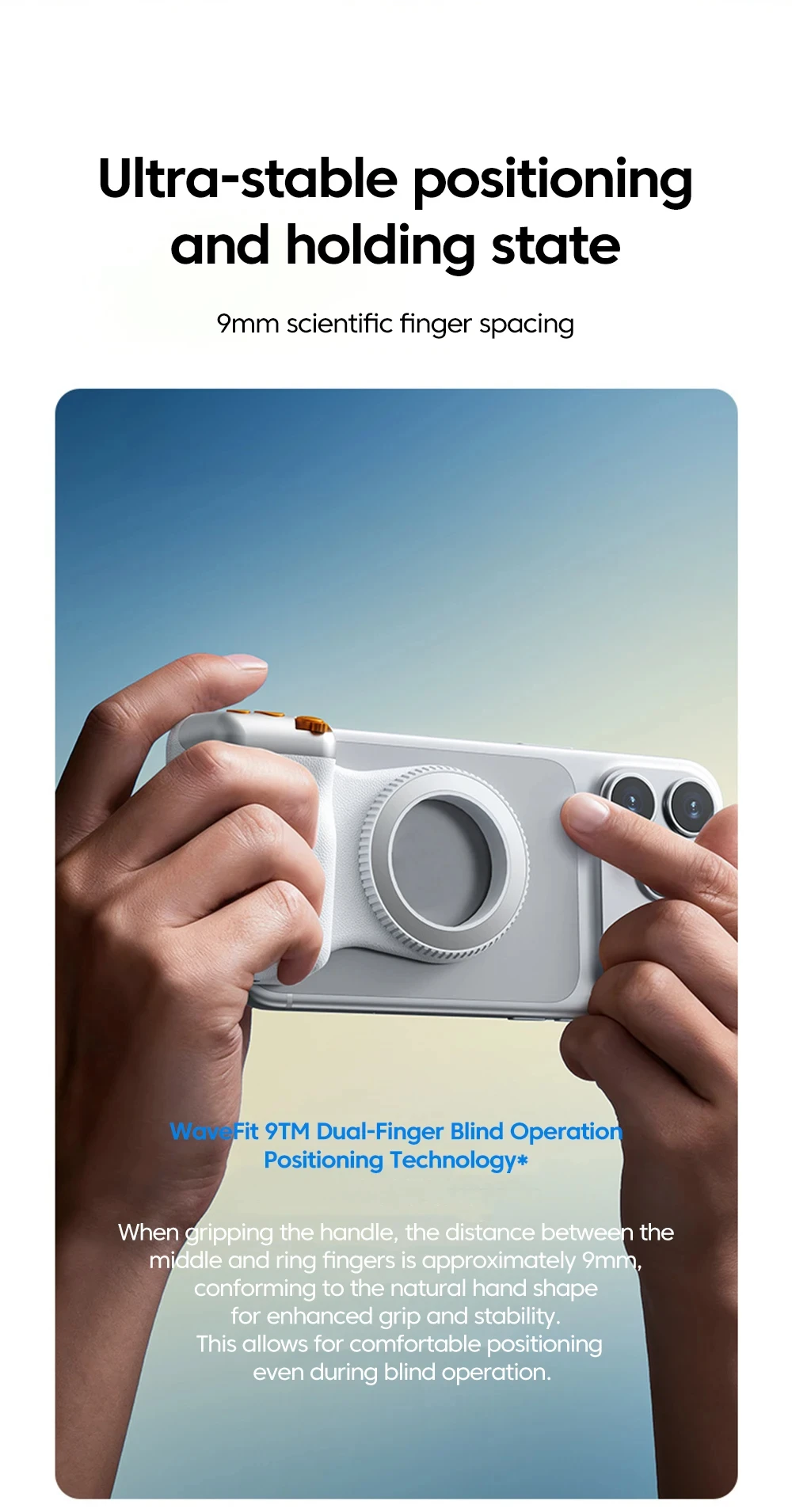
Featuring a comfortable ergonomic grip handle, this mobile phone holder offers a secure and comfortable hold, reducing hand fatigue during long usage.
Lightweight
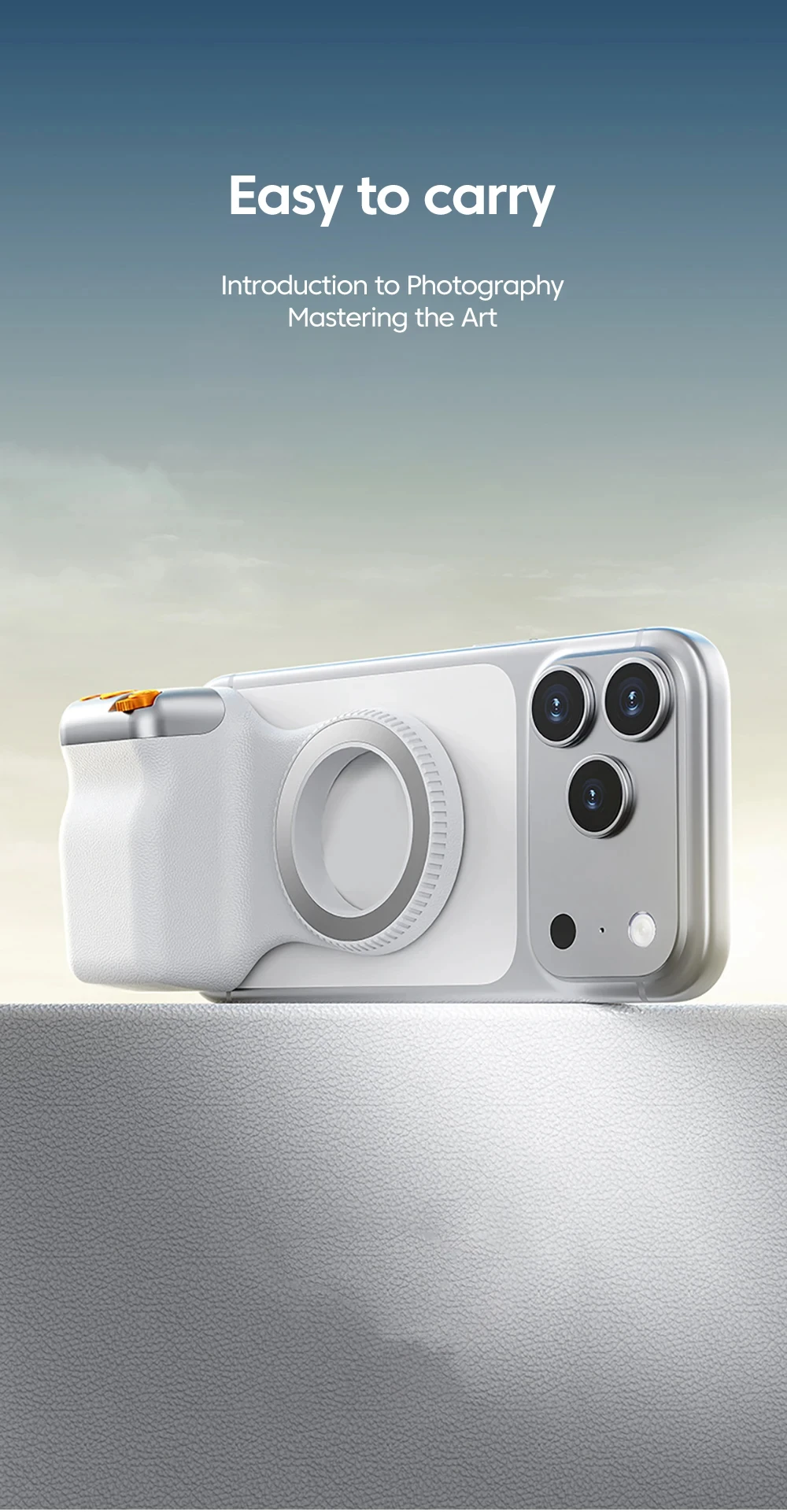
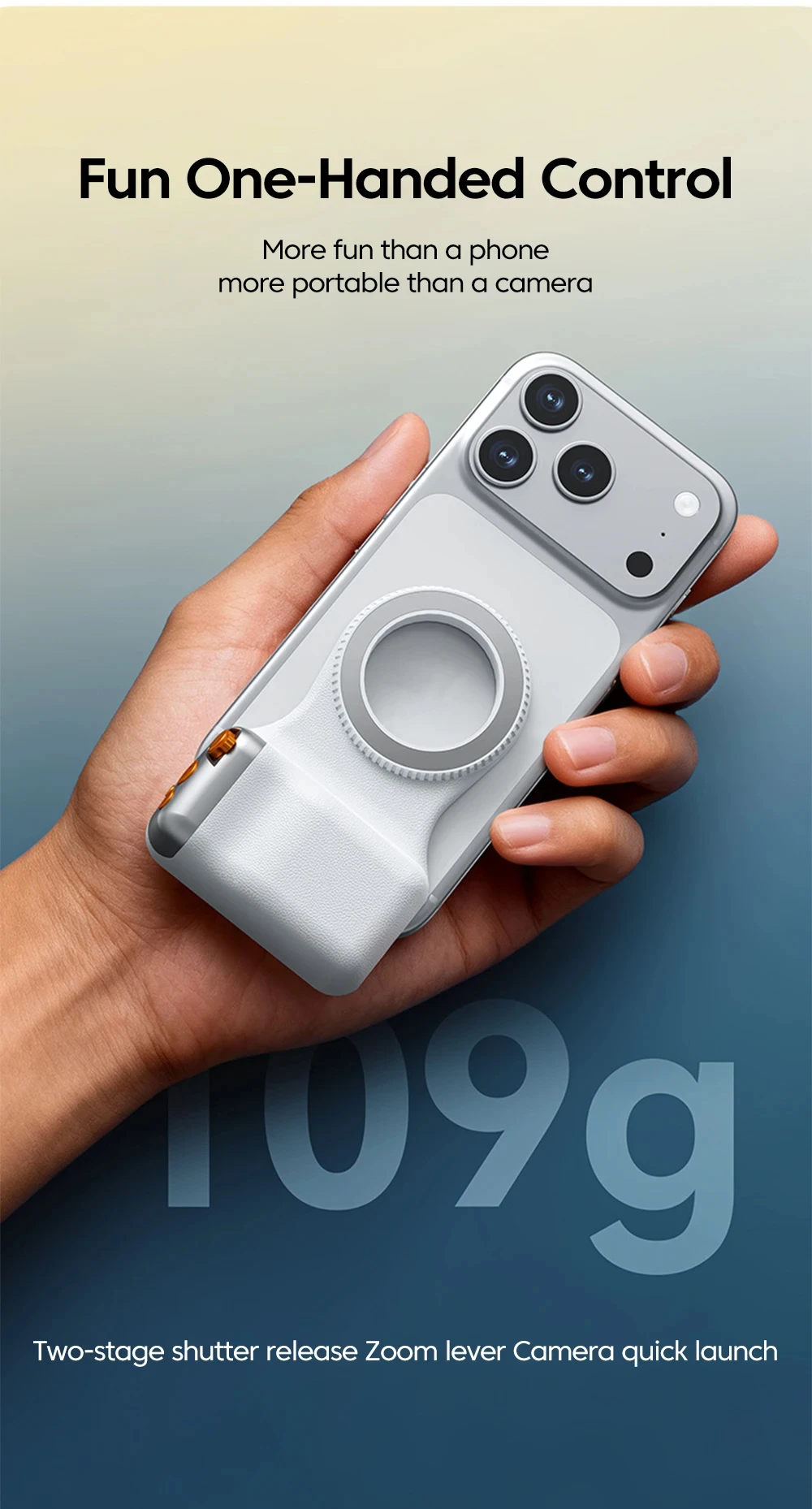
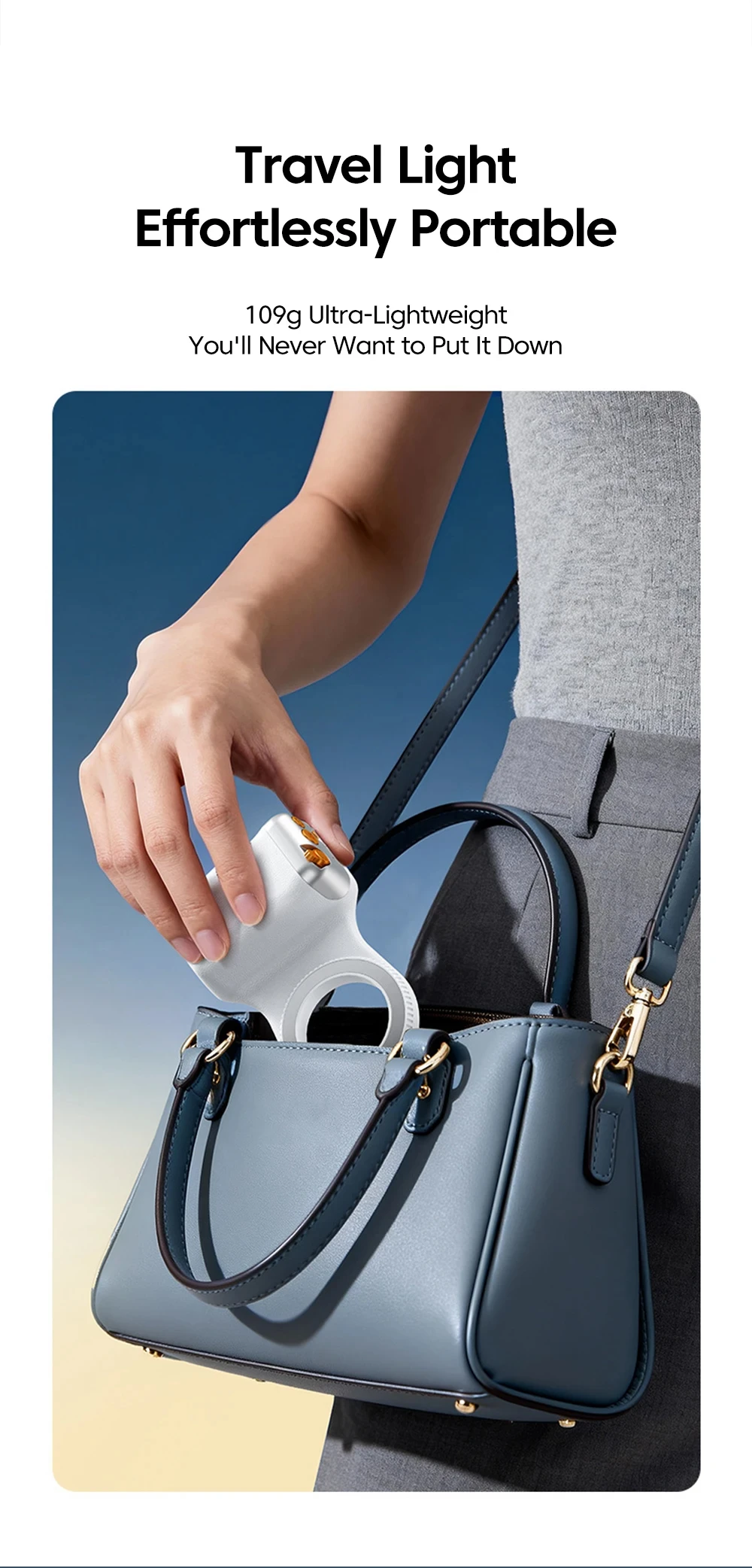
Its lightweight design makes it easy to carry around, perfect for on-the-go use or travel.
Universal Compatibility
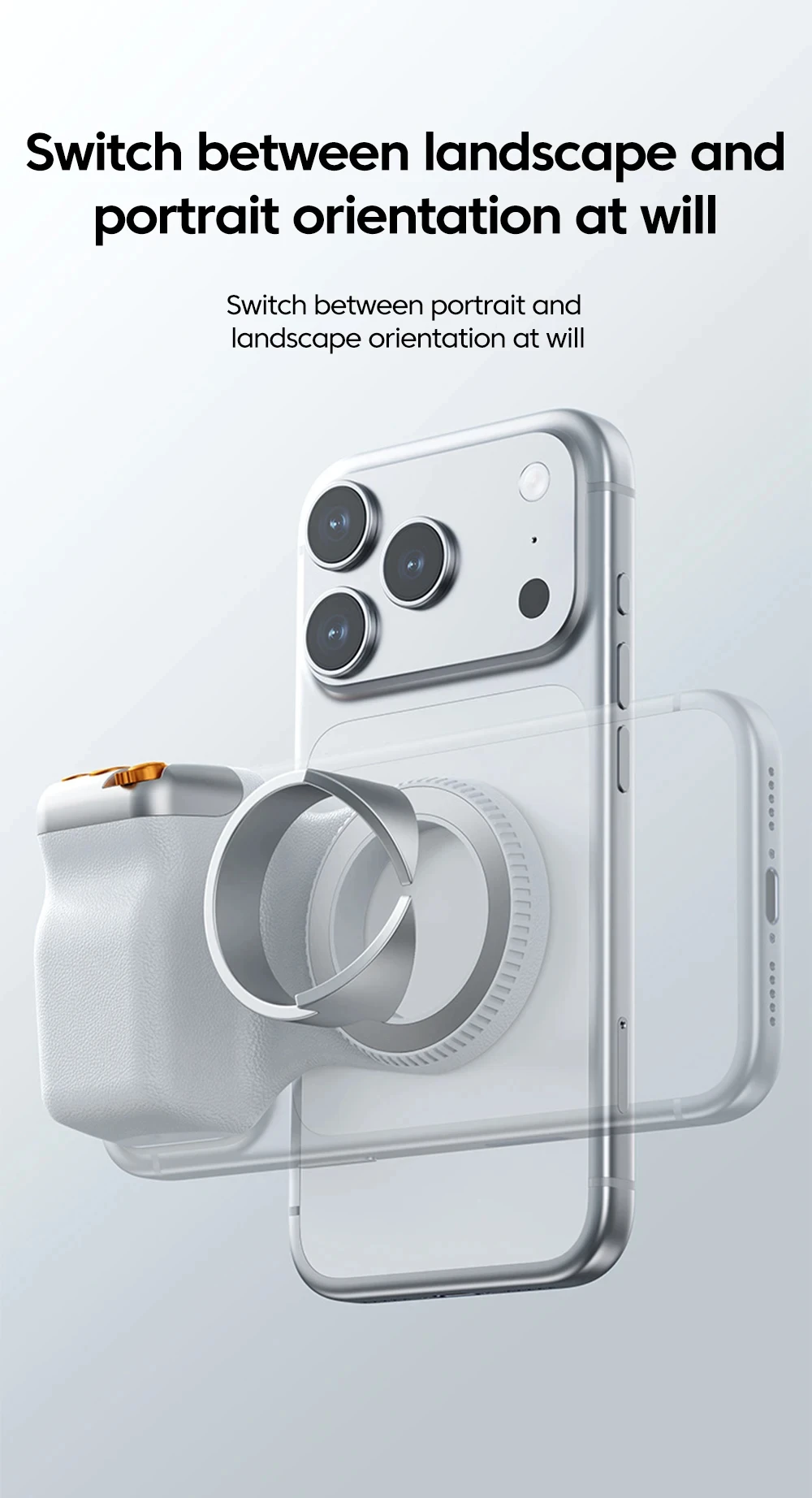
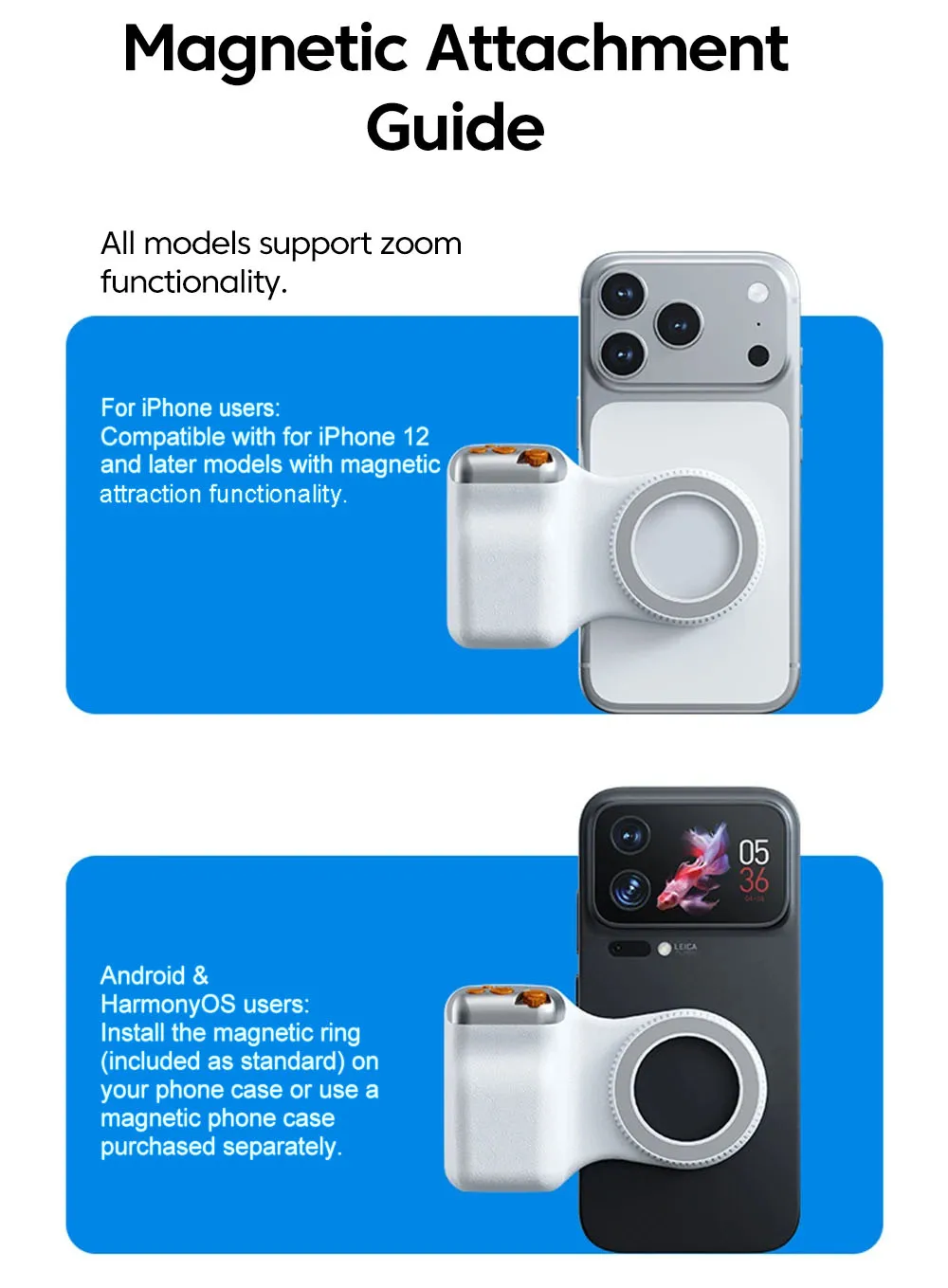
This magnetic phone holder is designed to be universally compatible, suitable for both iPhone and Android devices, ensuring a broad user base.
Cable Charger
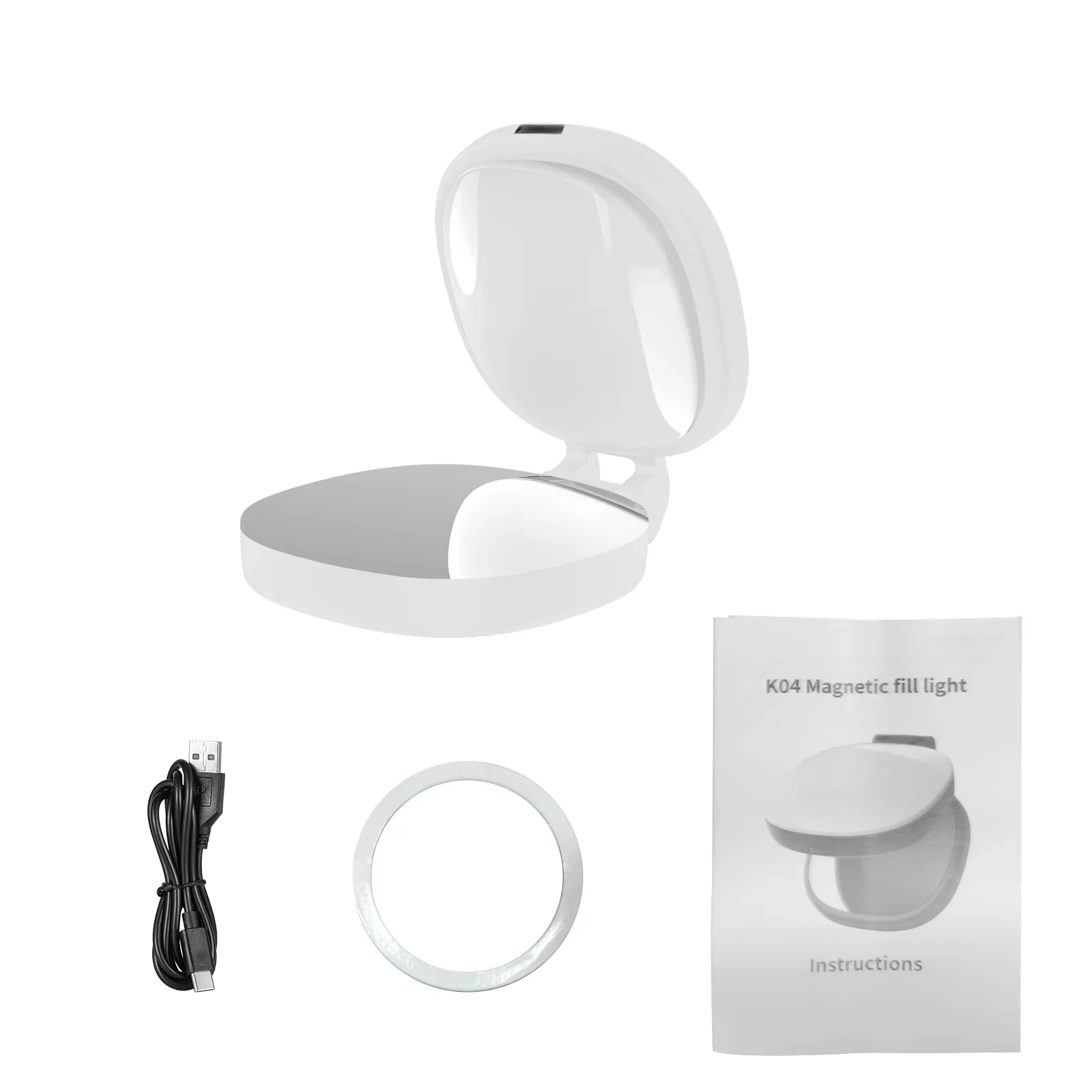
Equipped with a cable charger, this holder ensures your device stays powered while in use, enhancing its functionality.
Steps for using Bluetooth remote control
Step 1: On your phone, click "Settings" - "Bluetooth" in sequence, and turn on the Bluetooth function.
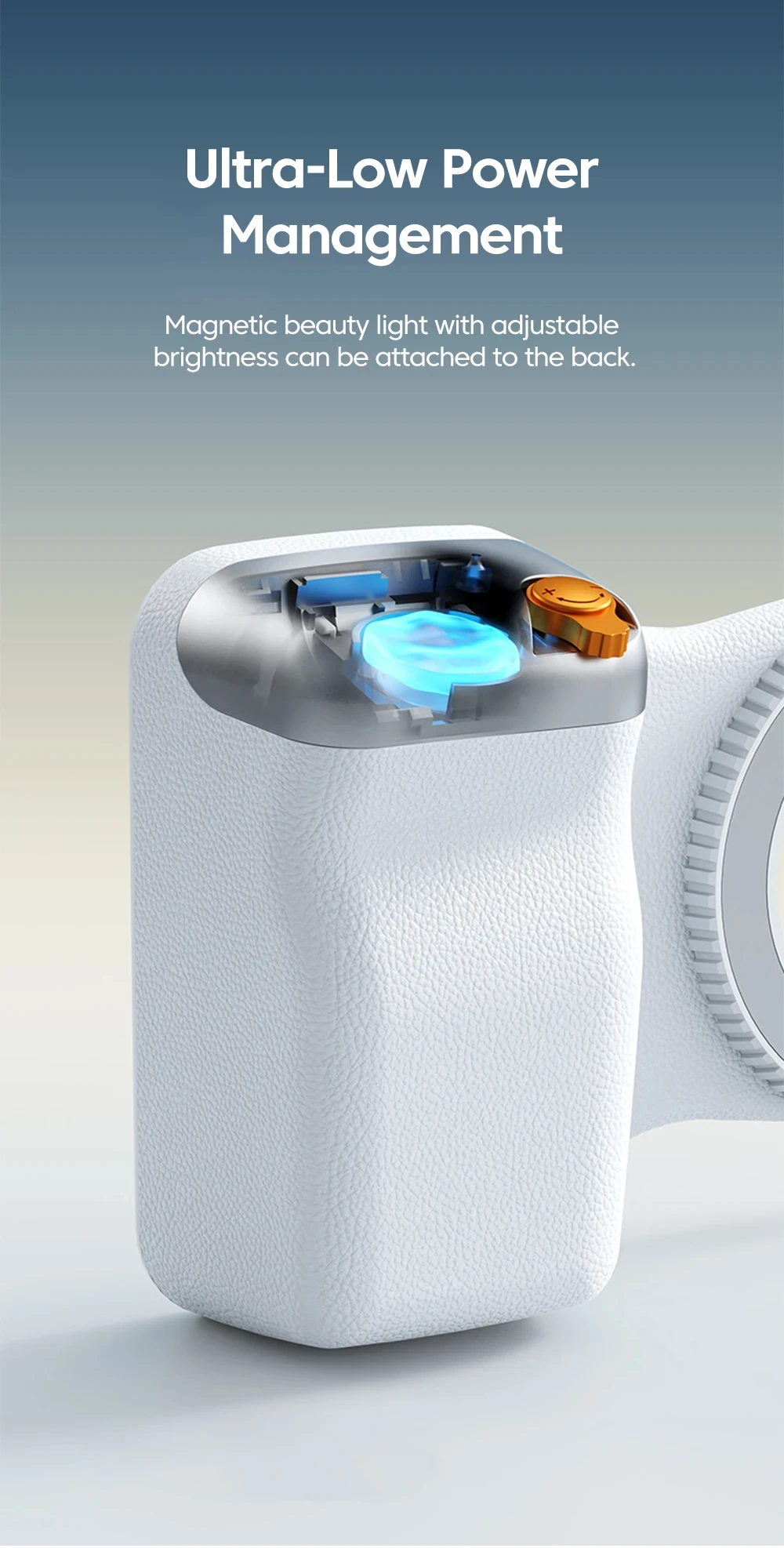
Step 2: Press the power button (for about 2 seconds) until the indicator light flashes, indicating successful power-on.
Step 3: When a Bluetooth device named "selfie" is detected on your phone, click and select pairing. The indicator light will turn off after the connection is successful.
Step 4: Open the camera app and press the capture button to take photos or videos. Press the lens switch button to flip between the front and rear cameras, and slide the button left and right to adjust the zoom of the rear camera.
Friendly reminder: If you cannot use your Apple phone normally after successful connection, please open your phone settings > Accessibility > Zoom > turn on